
Track expenses from email receipts or bank transactions alerts directly in Gmail. 100% private — all data stays in your browser. No accounts. No cloud. No tracking.
How it works
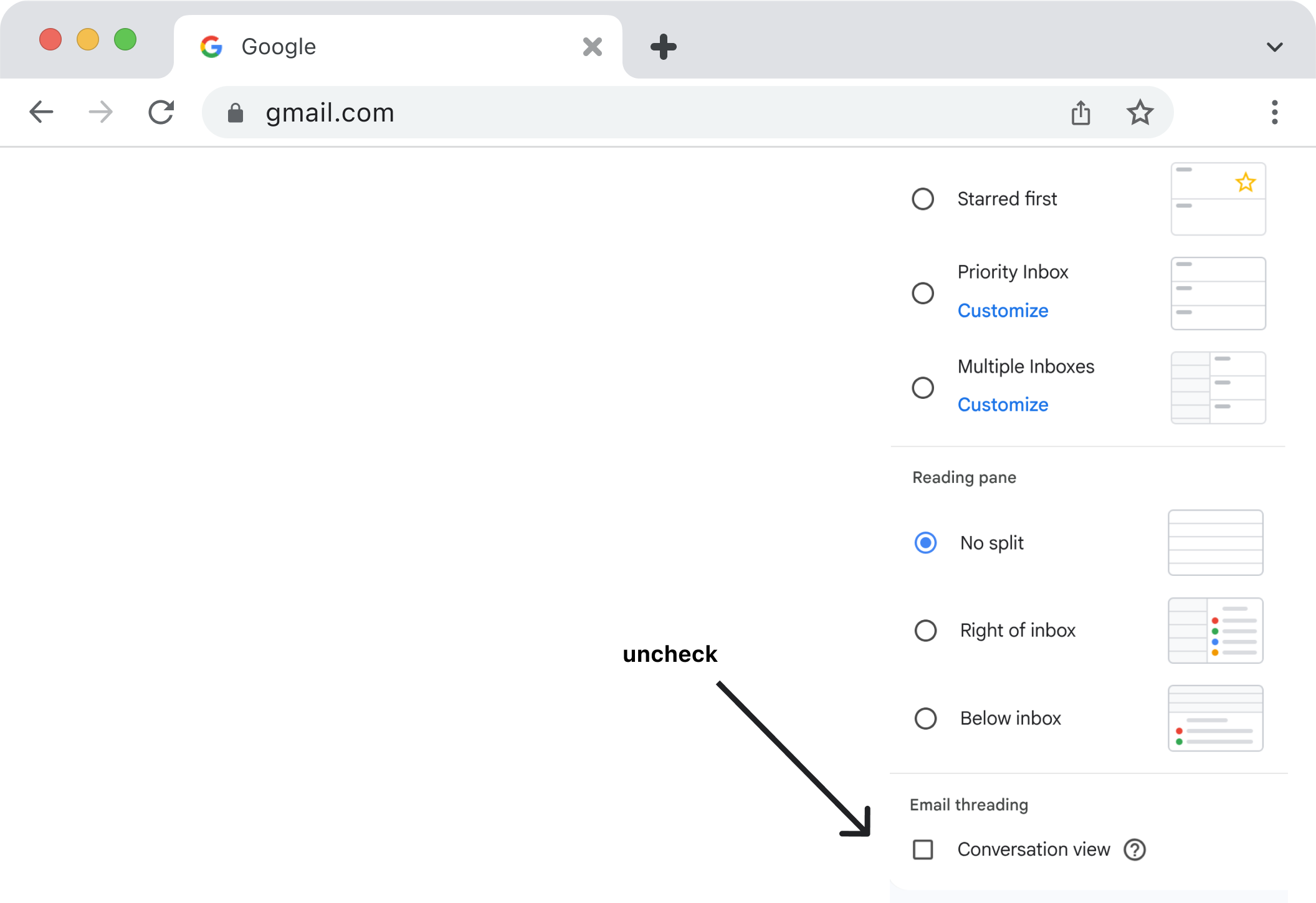
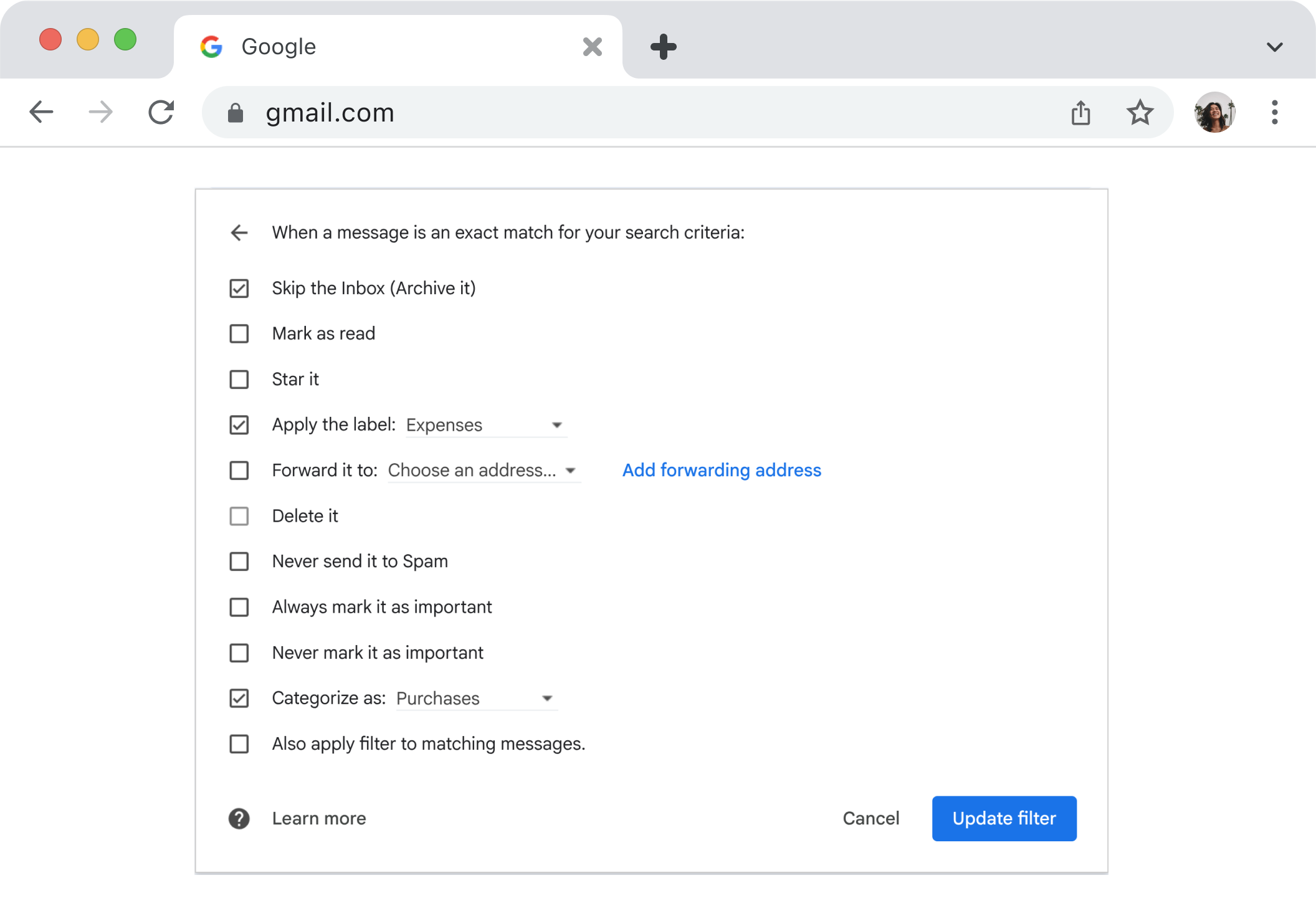
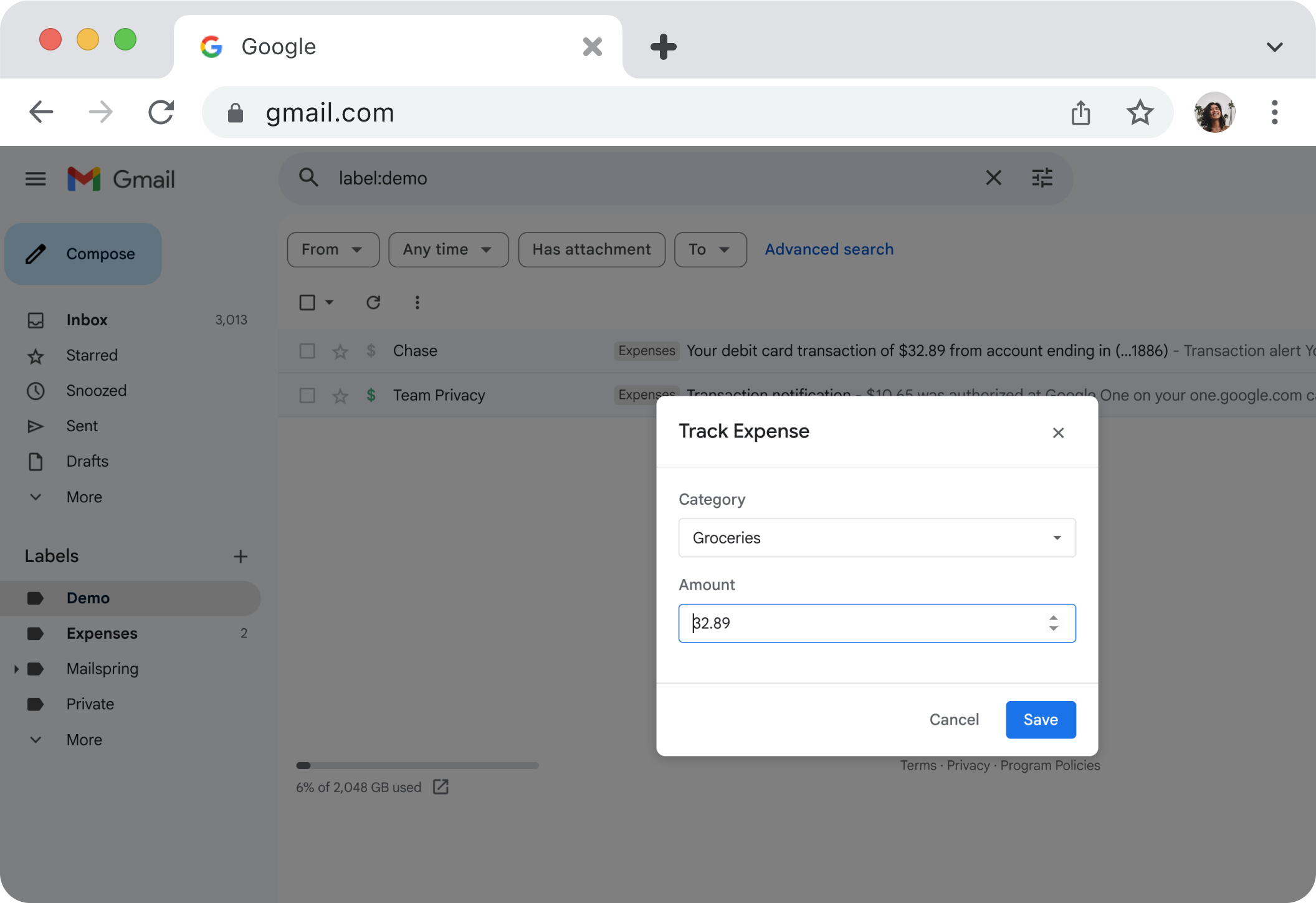
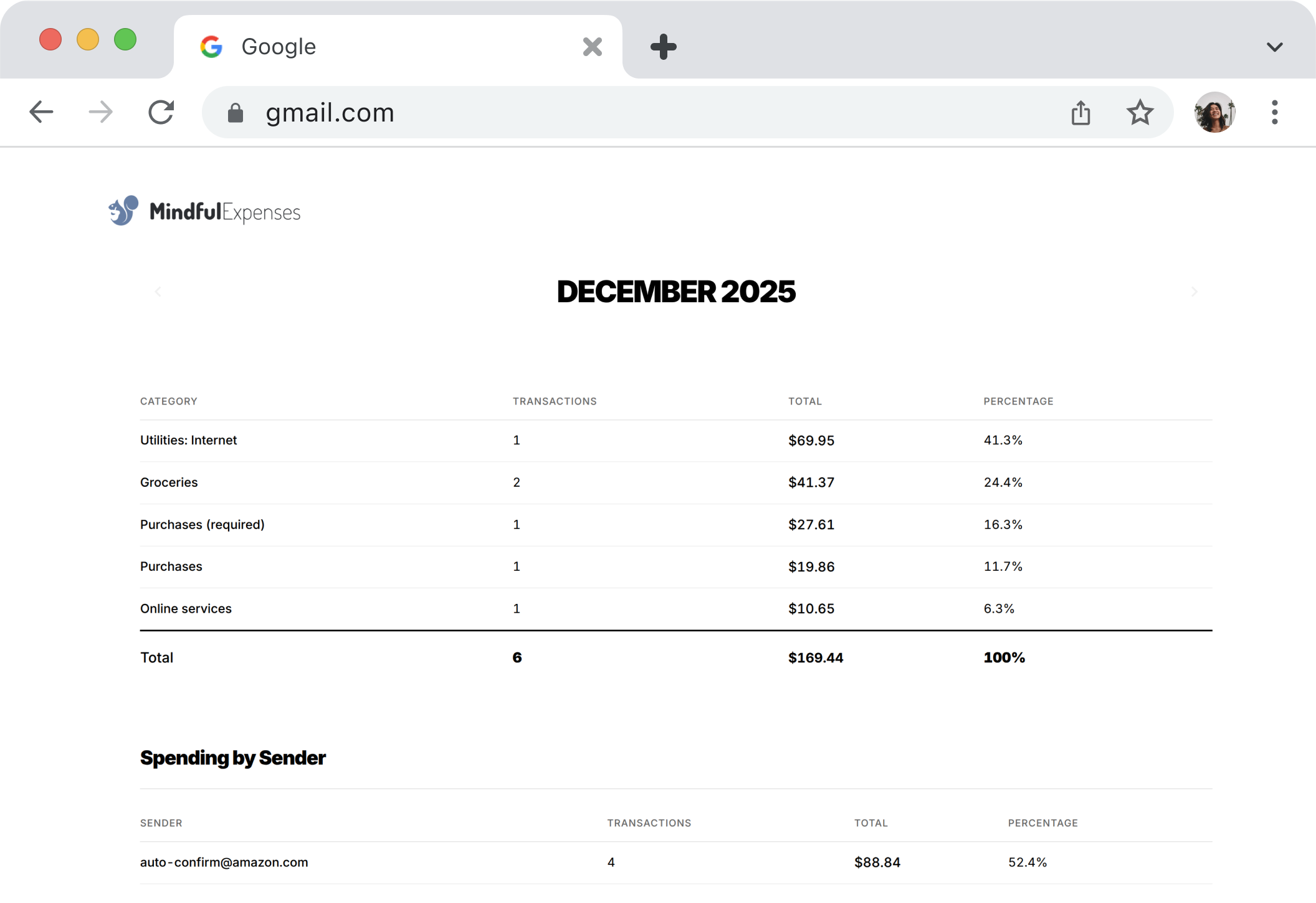
Perfect for
FAQ
Do you have access to my emails?
No. The extension runs entirely in your browser. We can't see your emails, your expenses, or anything else.
What if I clear my browser data?
Your expense data is stored in your browser's local storage. Clearing browser data will remove it. Premium users can export to CSV regularly as a backup.
Which banks work with this?
Any bank that sends transaction emails. Chase, Bank of America, Amex, Capital One, Wells Fargo, Discover, PayPal, Venmo—if they email you, it works.
Is this really free?
Yes. The core tracking and reporting features are free forever. CSV export is a one-time $9.99 purchase.
Have a problem, feedback, or feature request?
Please email us at support@lazycode.dev.